
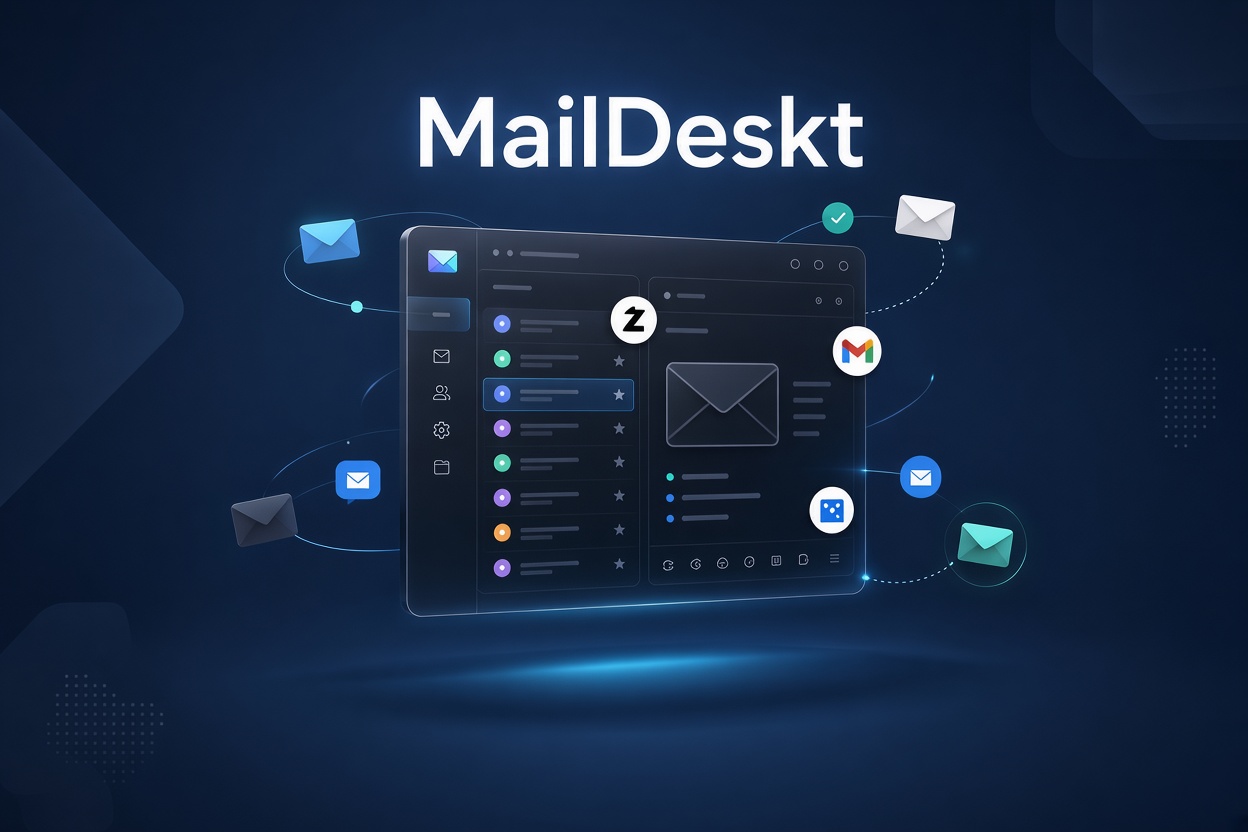
Managing email across multiple providers can quickly become frustrating. Developers may use Resend for application emails, while businesses rely on Gmail, Outlook, or custom-domain mailboxes for everyday communication. Switching between browser dashboards and different inboxes can interrupt your workflow.
MailDeskt brings supported email accounts together in one desktop application, helping you manage Resend and compatible SMTP/IMAP providers without relying entirely on browser tabs.
But how does it compare with webmail and traditional desktop email clients? Let’s take a closer look.
What Is MailDeskt?
MailDeskt is a desktop email client designed for people who want a dedicated place to manage email accounts from multiple providers.
It supports Resend alongside compatible email services and SMTP/IMAP accounts, including Gmail, Microsoft Outlook, iCloud, Fastmail, Yahoo, and Zoho.
With MailDeskt, you can read emails, compose and reply to messages, handle attachments, search your inbox, receive desktop notifications, and keep supported accounts synchronized.
It can be useful for developers, freelancers, startups, and businesses that want a desktop-focused email workflow.
MailDeskt vs Other Email Solutions
| Solution | Best for | Main advantage | Potential limitation |
|---|---|---|---|
| MailDeskt | Developers and users managing Resend plus other email accounts | Dedicated desktop workflow for supported Resend and SMTP/IMAP accounts | Availability and features depend on supported platforms and account configuration |
| Resend Dashboard | Developers working with Resend | Email sending, inbound email visibility, and developer-focused tools | Designed around the Resend platform rather than serving as a general-purpose inbox for every provider. |
| Gmail or Outlook in a browser | Users who primarily use one provider | Convenient access through a browser, with provider-specific features | Switching between multiple providers can mean switching tabs or interfaces |
| Mozilla Thunderbird | Users who want a feature-rich, general-purpose email client | Free, open-source, multi-account email management with broad protocol support. | May be more extensive than necessary if your main goal is a focused workflow for Resend and selected email accounts |
The best option depends on how you work. MailDeskt is worth considering if you want a desktop application centered on managing supported accounts, while Thunderbird may suit you better if you prefer a mature, free, open-source client with a broad range of email features.
Why Choose MailDeskt for Resend Email?
Resend is built around developer-focused email infrastructure, including APIs, SDKs, and SMTP integration. Its dashboard also offers visibility into received email and other platform features.
MailDeskt addresses a different need: accessing and managing supported email accounts through a desktop interface.
Instead of treating Resend as your only email environment, you can combine it with compatible accounts from other providers.
Key benefits include:
- Multiple accounts in one place: Manage supported Resend, Gmail, Outlook, iCloud, Fastmail, Yahoo, Zoho, and SMTP/IMAP accounts.
- Everyday email tools: Read, compose, and reply to messages, work with attachments, and search your inbox.
- Desktop notifications: Stay aware of new messages without keeping multiple browser tabs open.
- Local-first design: MailDeskt is designed to store credentials in your operating system’s secure credential storage.
- One-time license option: The current offer includes a 7-day free trial followed by a $49 lifetime license, according to the supplied product details.
These features make MailDeskt a potential fit for developers who use Resend for application-related email but also need a convenient place to handle regular correspondence.
Who Should Use MailDeskt?
MailDeskt may be a good fit if you:
- Work with Resend and want a dedicated desktop email interface.
- Manage several email accounts for clients, projects, or businesses.
- Use custom-domain email through a compatible SMTP/IMAP provider.
- Prefer desktop notifications and a dedicated app over a browser-based workflow.
- Want a one-time license option instead of another recurring subscription.
If you mainly need advanced email automation, detailed delivery analytics, or API debugging, Resend’s own developer tools may remain essential. MailDeskt and Resend can serve different purposes rather than replacing one another.
Is MailDeskt a Good Alternative to Traditional Email Clients?
Traditional clients such as Thunderbird already provide strong multi-account email management. Thunderbird is free and open source, supports numerous email protocols, and offers features such as offline access and cross-account search.
MailDeskt’s appeal is its particular focus on bringing supported Resend and other email accounts into a desktop workflow.
You do not need to switch simply because another application exists. Instead, consider which interface best matches your daily routine, which providers you need, and whether MailDeskt’s specific feature set justifies its price for you.
Final Verdict: Simplify Your Email Workflow With MailDeskt
If your work involves several email providers, managing everything through separate browser interfaces can become inconvenient. MailDeskt offers another approach: a dedicated desktop email client for Resend and compatible SMTP/IMAP accounts.
It is not a replacement for every feature in Resend’s developer dashboard or a claim that traditional email clients are inferior. Rather, it provides an alternative for people who want supported email accounts accessible from one desktop application.
Ready to explore MailDeskt?
Visit maildeskt.com to review the features, supported providers, available downloads, and current pricing.
Leave a Reply